Real CAD.
In your hands.
OpenShape3D is a direct-modeling CAD app for iPad and iPhone. Sketch on any face, push and pull faces into exact solids, fillet edges with a fingertip — powered by the OpenCASCADE geometry kernel and a custom Metal renderer.
Built with SwiftUI & Metal · Coming to the App Store
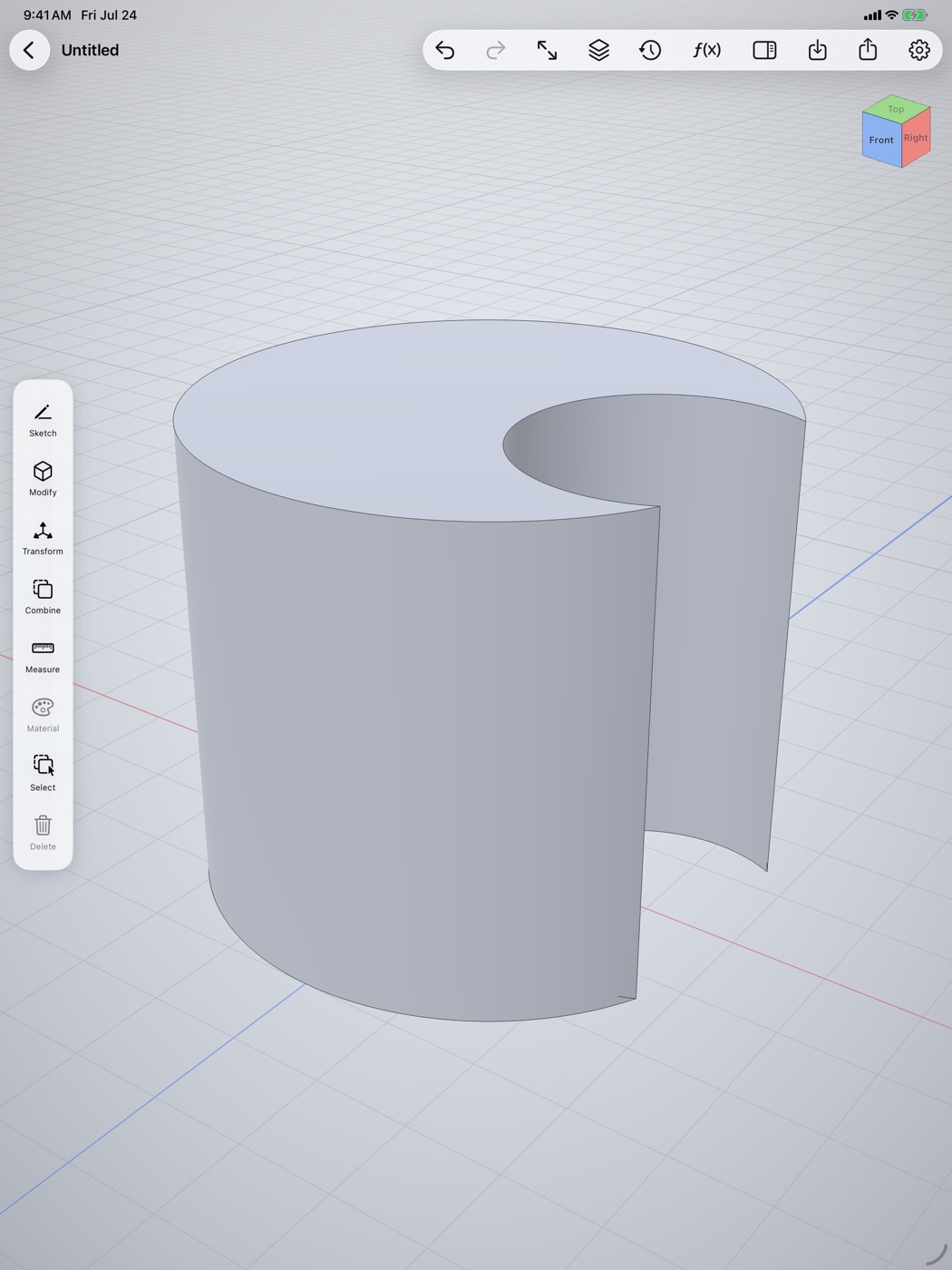

Desktop-class modeling, touch-first
The Shapr3D-style workflow you know — sketch, extrude, modify — rebuilt from scratch for iPad and iPhone.
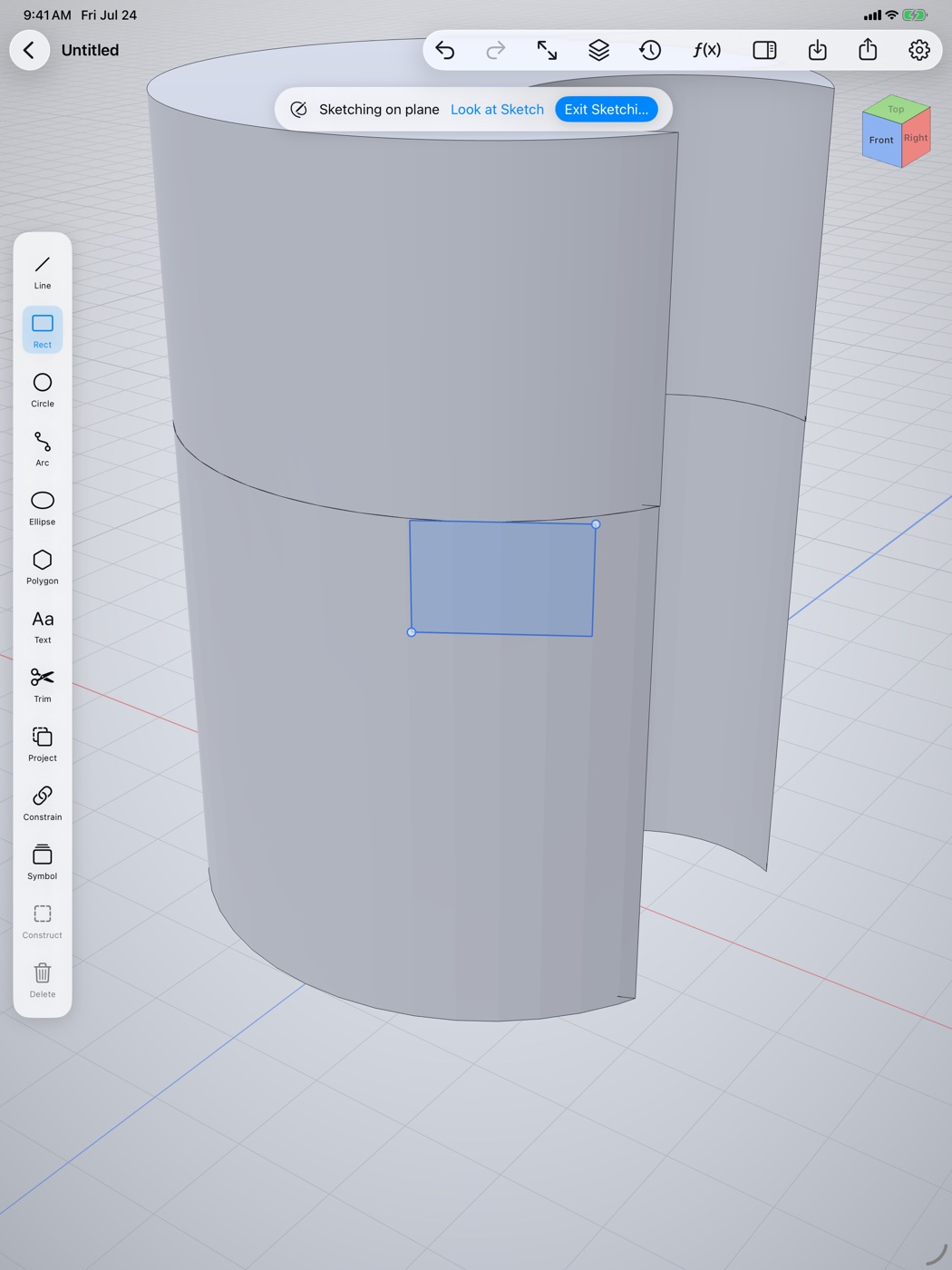
Sketch anywhere
Pick a world plane, tap any flat face, or pull an offset construction plane right off the model. Lines, arcs, circles, ellipses, polygons and text — with full snapping, and Apple Pencil support that feels like drawing on paper.
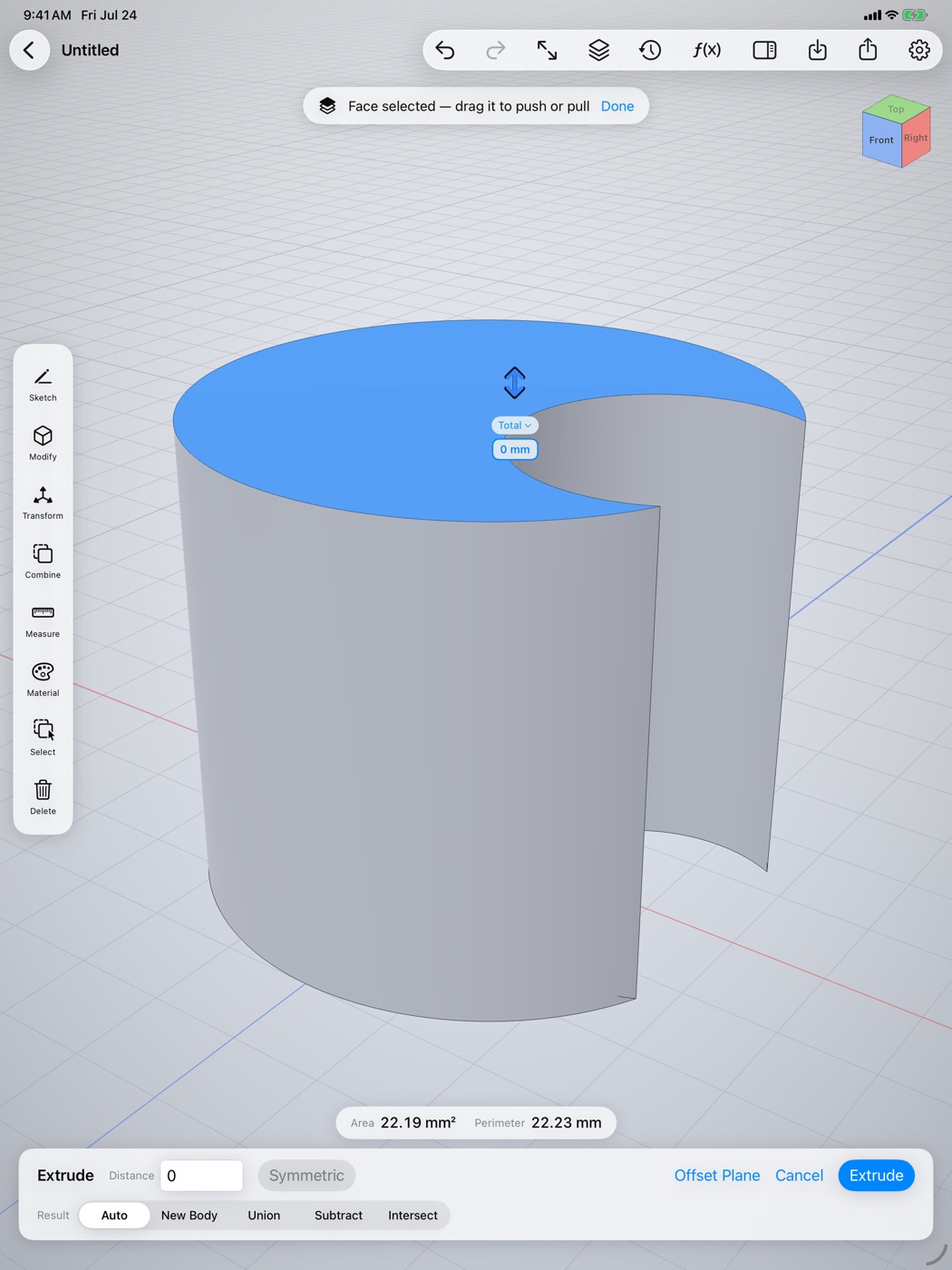
Push. Pull. Done.
Tap a face and drag to extrude. Pull away to add material, push in to cut — booleans happen automatically, exactly the way direct modeling should work. Type an exact distance any time, with symmetric extrudes and live validity feedback.
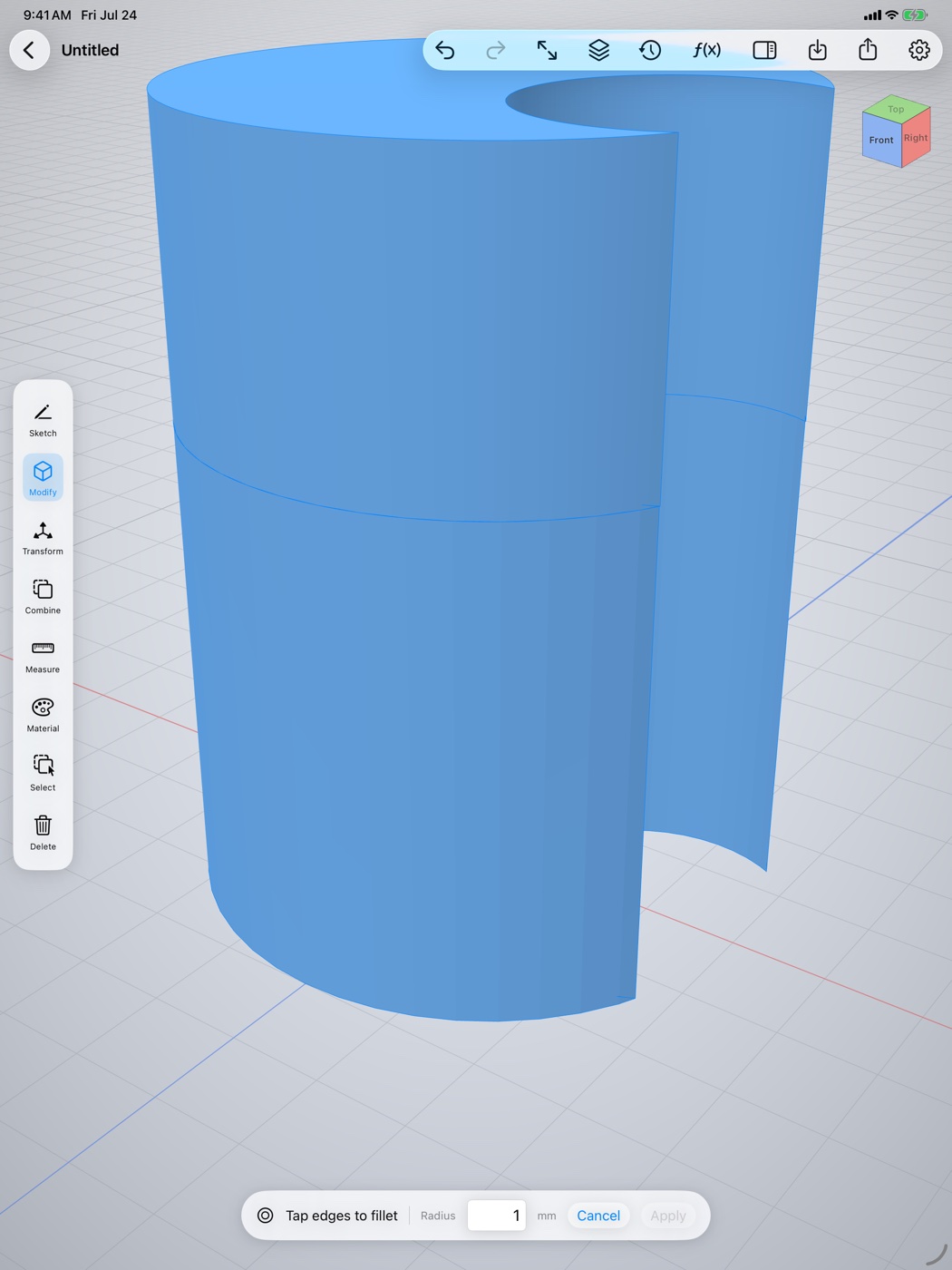
A serious modify toolset
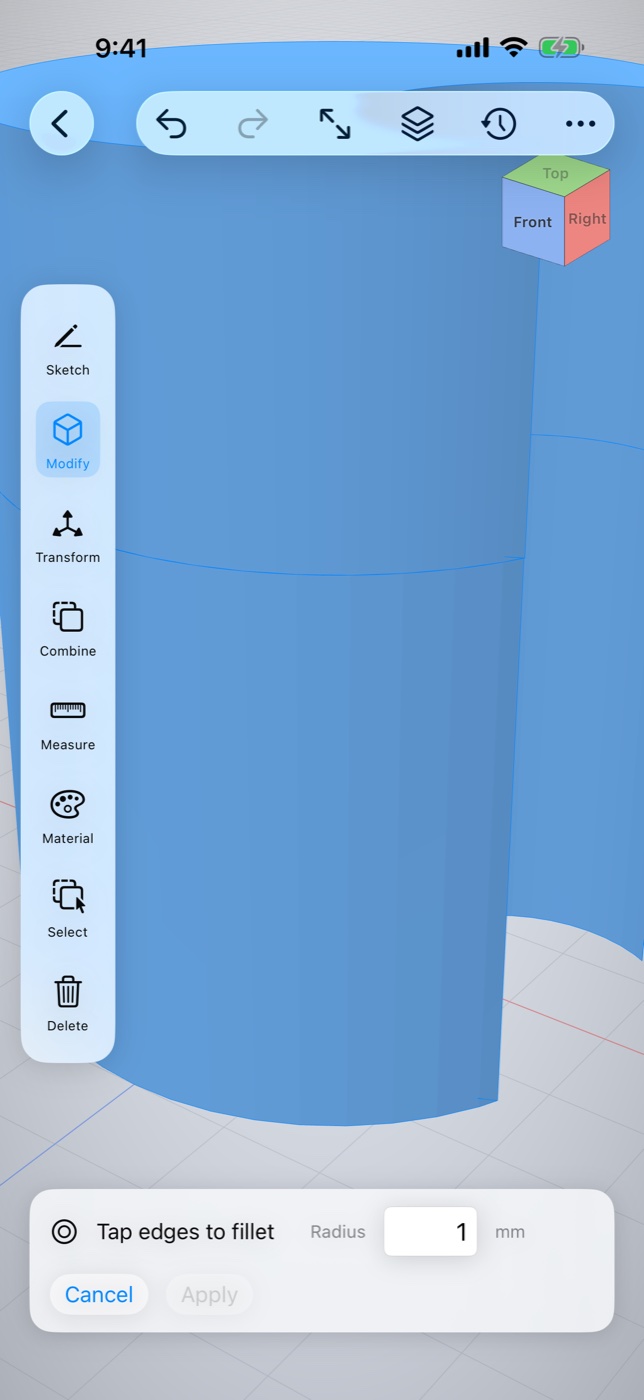
Fillet and chamfer edges by dragging, revolve, sweep, loft and helix from any profile, split bodies on a plane, and build linear or circular patterns with live ghost previews. All backed by exact B-rep geometry.
See it your way
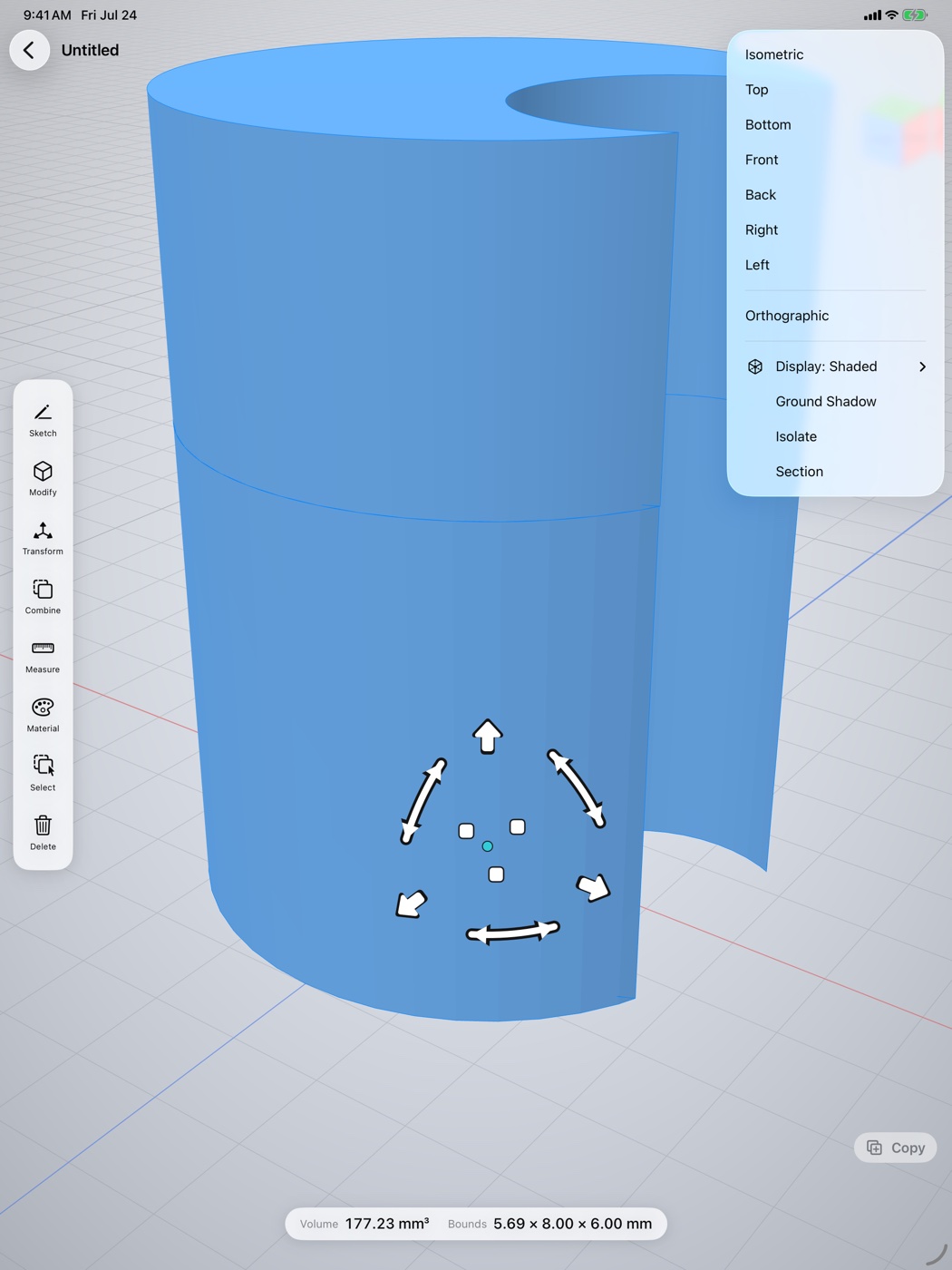
An orientation cube, six standard views plus isometric, orthographic projection, live section views, and display modes from Shaded to Wireframe and X-Ray. One finger orbits, two fingers pan, pinch zooms — the camera never locks up.
Your projects, organized
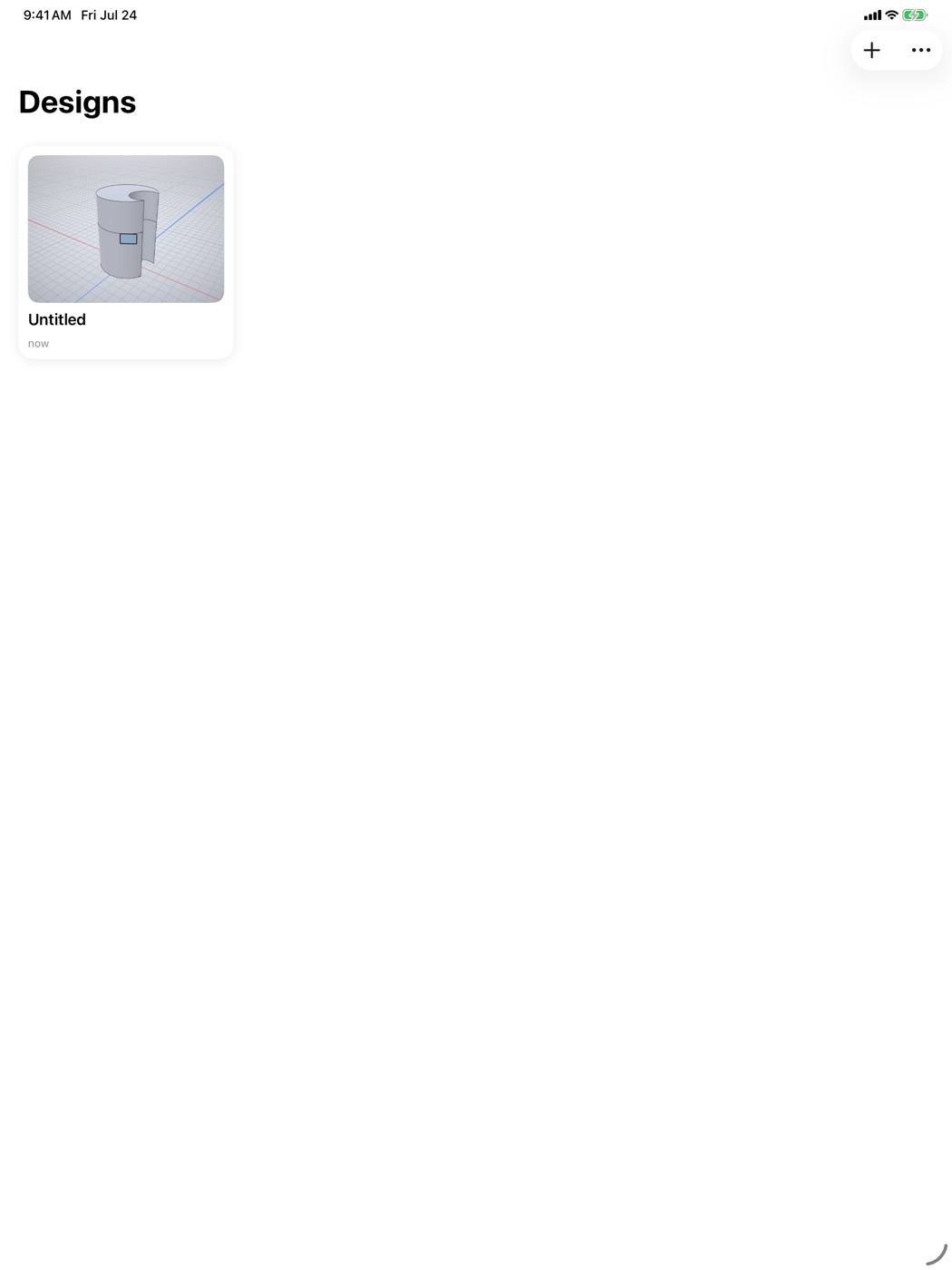
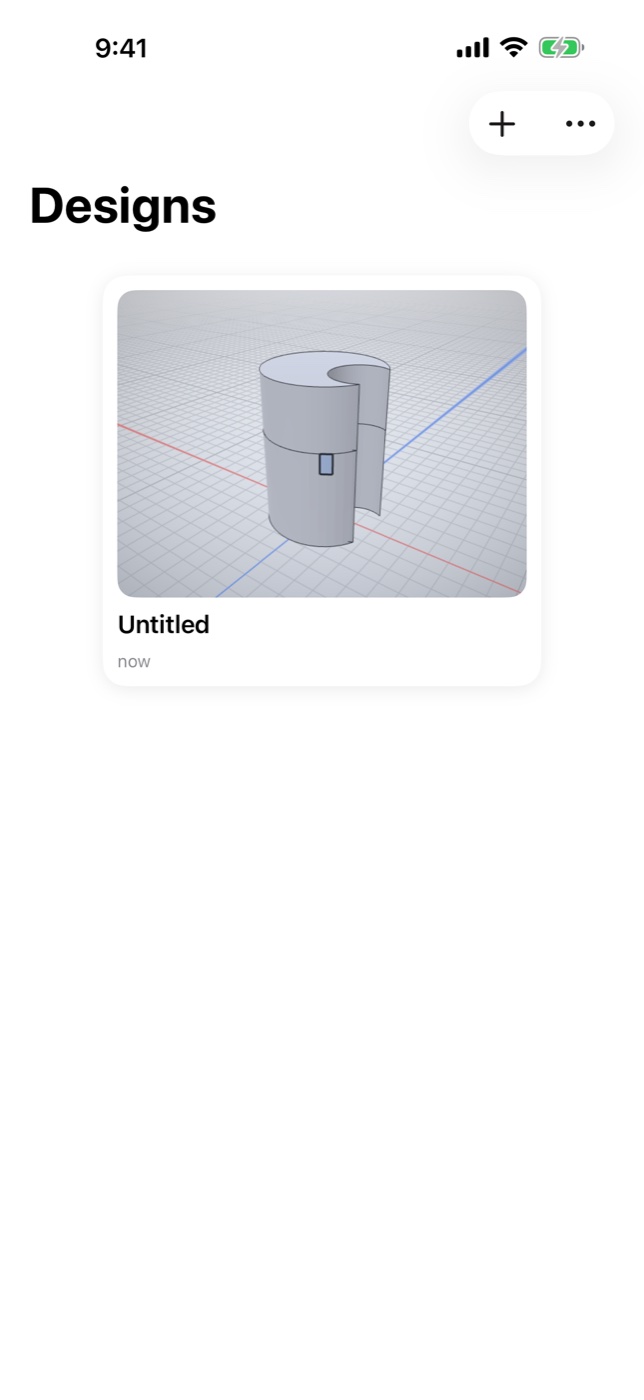
A clean project gallery with thumbnails keeps every model a tap away. Full undo/redo history on everything, and your work is saved as you go.
Everything in the box
Constraints & dimensions
A real 2D variational solver — coincident, tangent, symmetric, driving dimensions with inline math, live DOF feedback.
Exact B-rep solids
Powered by the OpenCASCADE geometry kernel — the same class of engine behind desktop CAD.
Custom Metal renderer
A purpose-built renderer with crisp edges, hidden-line wireframe and buttery navigation.
Booleans
Union, subtract and intersect between bodies — plus automatic booleans on every push/pull.
Revolve, sweep, loft & helix
Take any sketch profile along an axis, a spine, ordered sections, or a helical path.
Transform gizmos
Move, rotate, scale, mirror, translate and align with snapping — or type exact values.
Section & isolate
Clip the model live against any plane with a draggable cut, or isolate just the selection.
Materials
Steel, aluminum, brass, plastics, wood — or custom color with metallic and roughness sliders.
Measure
Areas, perimeters, distances and angles, straight from the model.
The whole workshop, in your pocket
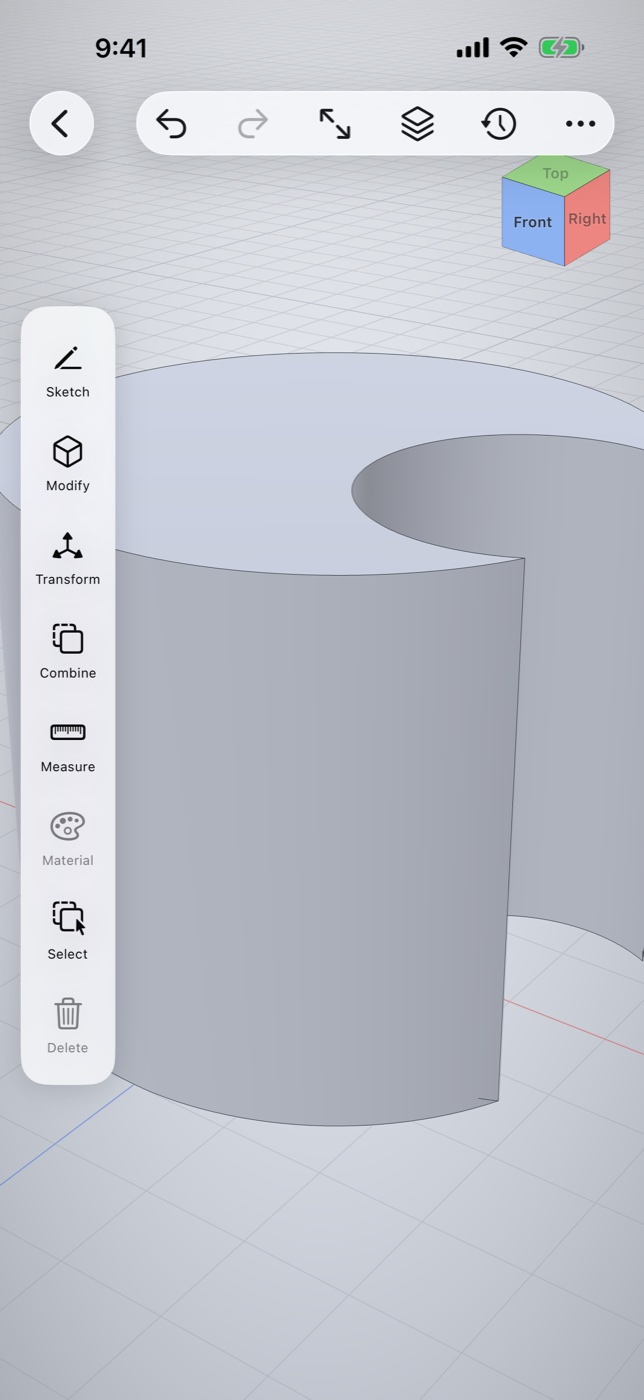
The full toolset runs on iPhone too — same kernel, same renderer, same models.
Open source, all the way down
OpenShape3D is built in the open — SwiftUI, a custom Metal renderer, a pure-Swift constraint solver, and the OpenCASCADE B-rep kernel with the Euclid mesh library alongside it. Read the code, file issues, or contribute a feature.